

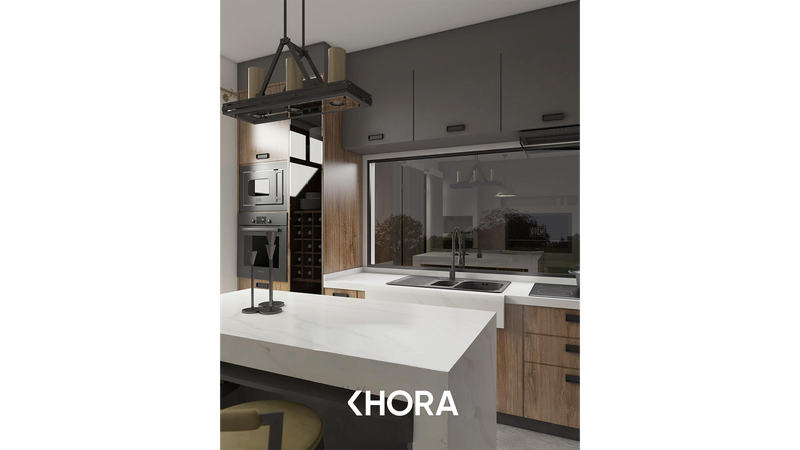
"Is this living room really 28 square metres?" When buying, renting or planning furniture, you may want to verify that number yourself. A laser measure is handy, but measuring wall by wall, noting everything down and doing the maths is still on you. With a LiDAR phone the whole job collapses into a single scan.
Two methods: laser measure vs room scanning
The classic way is to measure each wall, account for every recess and calculate the area by hand. With room scanning, an app like DIMENS scans the room in under 30 seconds, detects the walls and calculates area and perimeter automatically. The difference shows most in irregular layouts: an L-shaped room is easy to get wrong by hand and automatic with a scan.
7 tips for accurate results
- Measure room by room. Scanning each room separately and summing is both faster and more reliable than one giant pass.
- Clear the floor line. Furniture against walls enters the measurement; clear wall lines where you can.
- Move at a steady pace. Sudden movement causes jumps in the sensor data.
- Mind glass and mirrors. Slow down near reflective surfaces; rescan that wall from another angle if needed.
- Pause at doorways. A one-second pause between rooms helps the plans join correctly.
- Verify a critical dimension. Confirm one wall with the in-app measuring tool; within ±2 cm means the scan is sound.
- Know gross vs net. A scan gives you net usable area measured inside the walls; listed gross figures include walls and shared-area allocations. Compare accordingly.
More than a number
The advantage of scanning is not just speed: you now hold a scaled plan of the room. Try furniture layouts, send your contractor a precise drawing, share the DXF or PDF directly. The square-metre debate now takes as long as a screenshot.